Most homeowners don’t pick a contractor in one search. They build a shortlist, check a few things, and quietly cross businesses off until one is left. If your business gets cut early, you never even hear about the job.
We’re a web studio in Calgary, and we spend a lot of time looking at local businesses the way their customers do. Here’s what homeowners check, and what it means for your business online.
The five things homeowners check before they call
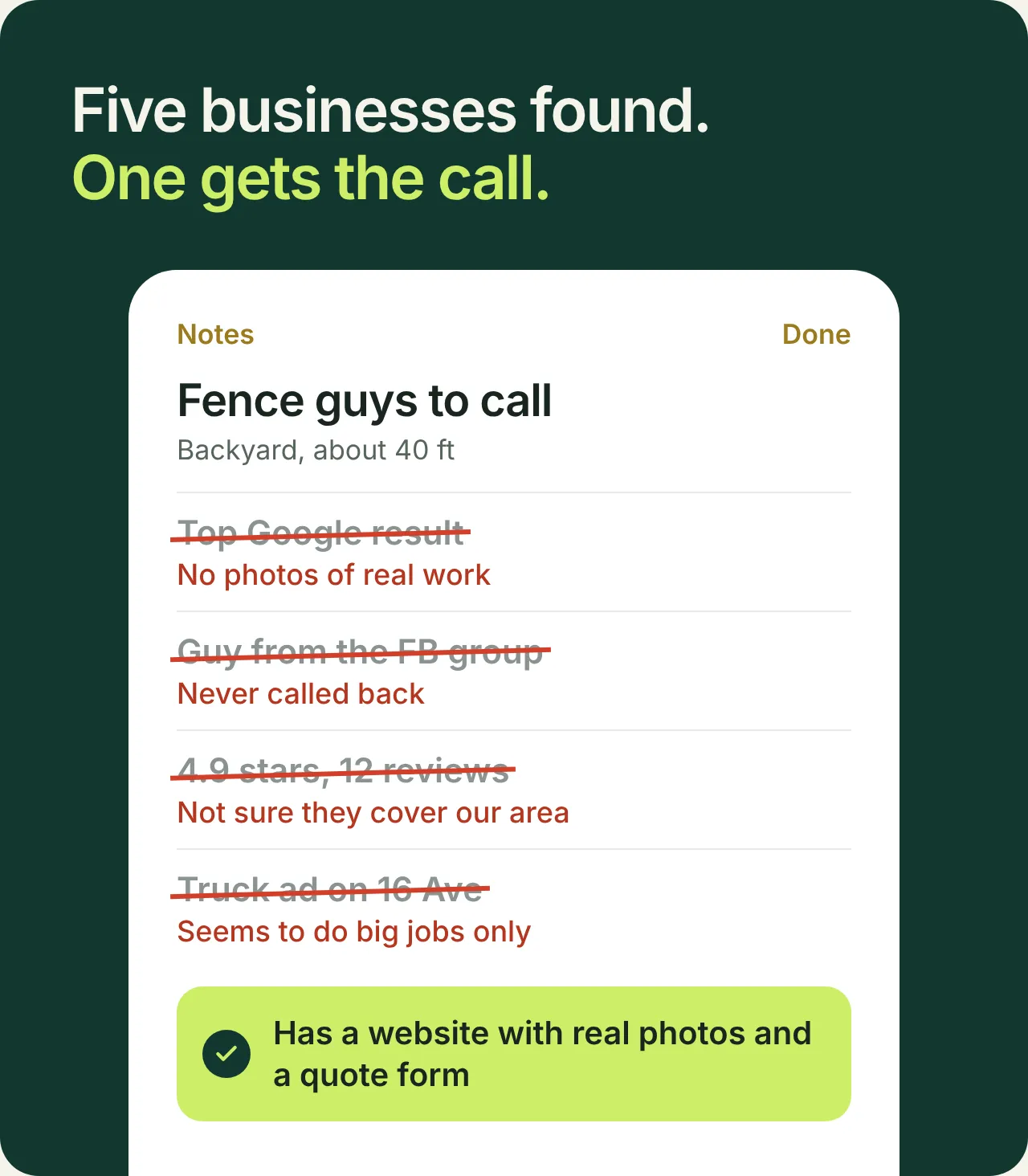
- Who comes up, and who gets recommended. Most people start with a Google search or by asking in a Facebook group. A name that shows up in both places, or gets tagged by several people, lands on the shortlist fast.
- Proof of real work. Homeowners want to see jobs like theirs. A clear photo of a finished fence in a Calgary backyard does more than a stock photo of a smiling worker ever will.
- Signs you’re legitimate. Insured, WCB covered, properly licensed where the job needs it. Most homeowners won’t ask about these directly, but they notice when a business mentions them and when it doesn’t.
- Whether you do their kind of job. Small repair or full build? Their part of the city? If they can’t tell, they assume the answer is no and move on.
- How easy you are to reach. A quote form, a clear phone number, and a quick reply. The business that responds first often gets the job, even when it isn’t the cheapest.
Why the better website often wins
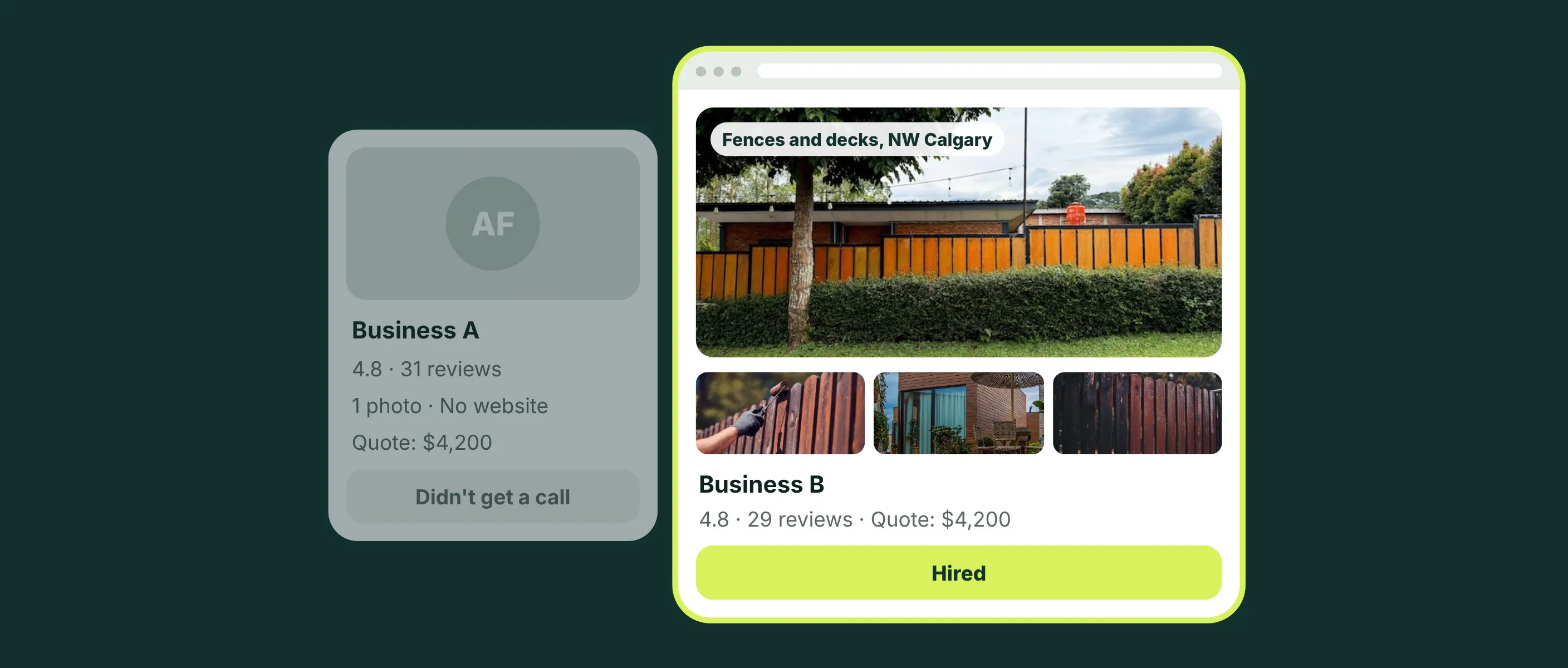
Picture two fence companies with the same quote and similar reviews. One has a logo on Google and a single photo. The other has a simple website with photos of recent jobs, the areas it covers, and a way to ask for a quote.
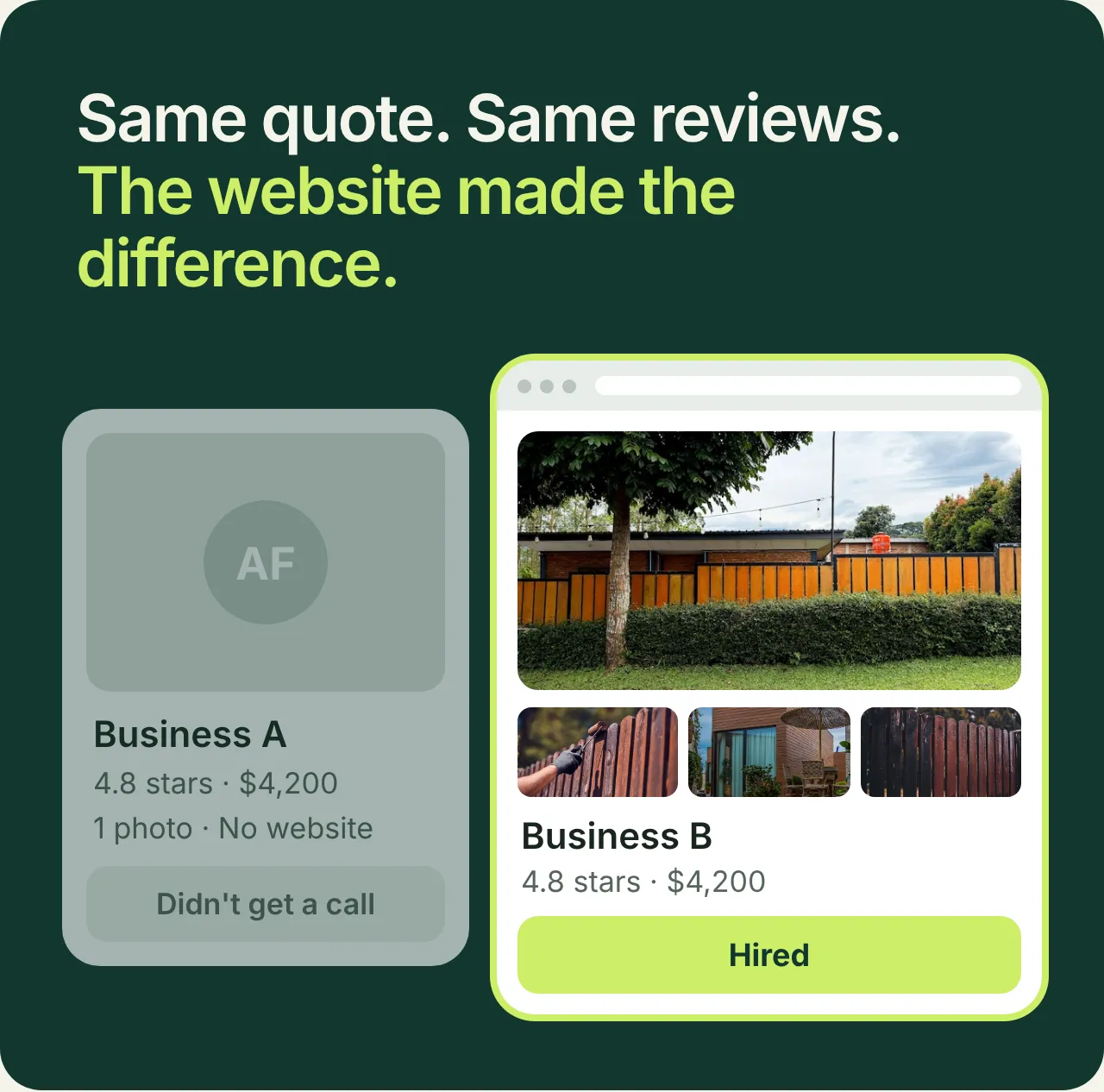
When everything else looks equal, the homeowner picks the one they can see. A website is where all five checks above come together in one place, so the business with the clearer site usually feels like the safer choice. It doesn’t have to be fancy. It has to answer the homeowner’s questions before they have to ask.
The 30-second test
Open your Google listing or website on your phone, pretend you’re a homeowner, and see if you can answer these in 30 seconds.
| What the homeowner wonders | Where they look | Quick fix if it’s missing |
|---|---|---|
| Do they do my kind of job? | Services list, photos | List your services in plain words, small jobs included |
| Do they work in my area? | Service areas, address | Name the Calgary areas and nearby towns you cover |
| Have they done this before? | Photos, reviews | Post 5 to 10 recent project photos with a one-line caption each |
| Can I trust them? | About section, reviews, website | Mention insurance, WCB coverage and any trade licence |
| How do I get a price? | Buttons, contact info | One clear way to request a quote, and say how fast you reply |
If you couldn’t answer one of these quickly, neither can your next customer.
What this means for your business
You don’t need a fancy website to pass these checks. You need the right information, easy to find. Here’s a quick checklist you can go through tonight:
- Your Google Business Profile is claimed, with current hours, phone number and service areas.
- You have at least 5 to 10 real photos of recent jobs, not stock images.
- Your services are listed clearly, including the small jobs you’re happy to take.
- You mention insurance and WCB coverage, and any licences your trade requires.
- There’s one simple way to ask for a quote, and you reply within a day.
- Your business name, phone number and address match everywhere you’re listed.
- You ask happy customers for a review right after the job is done.
If you take deposits for work on people’s homes, check whether you need Alberta’s prepaid contracting licence. Mentioning it on your site is a quiet but powerful trust signal.
Copy-and-paste templates
Small messages make a big difference. Change the details to fit your business.
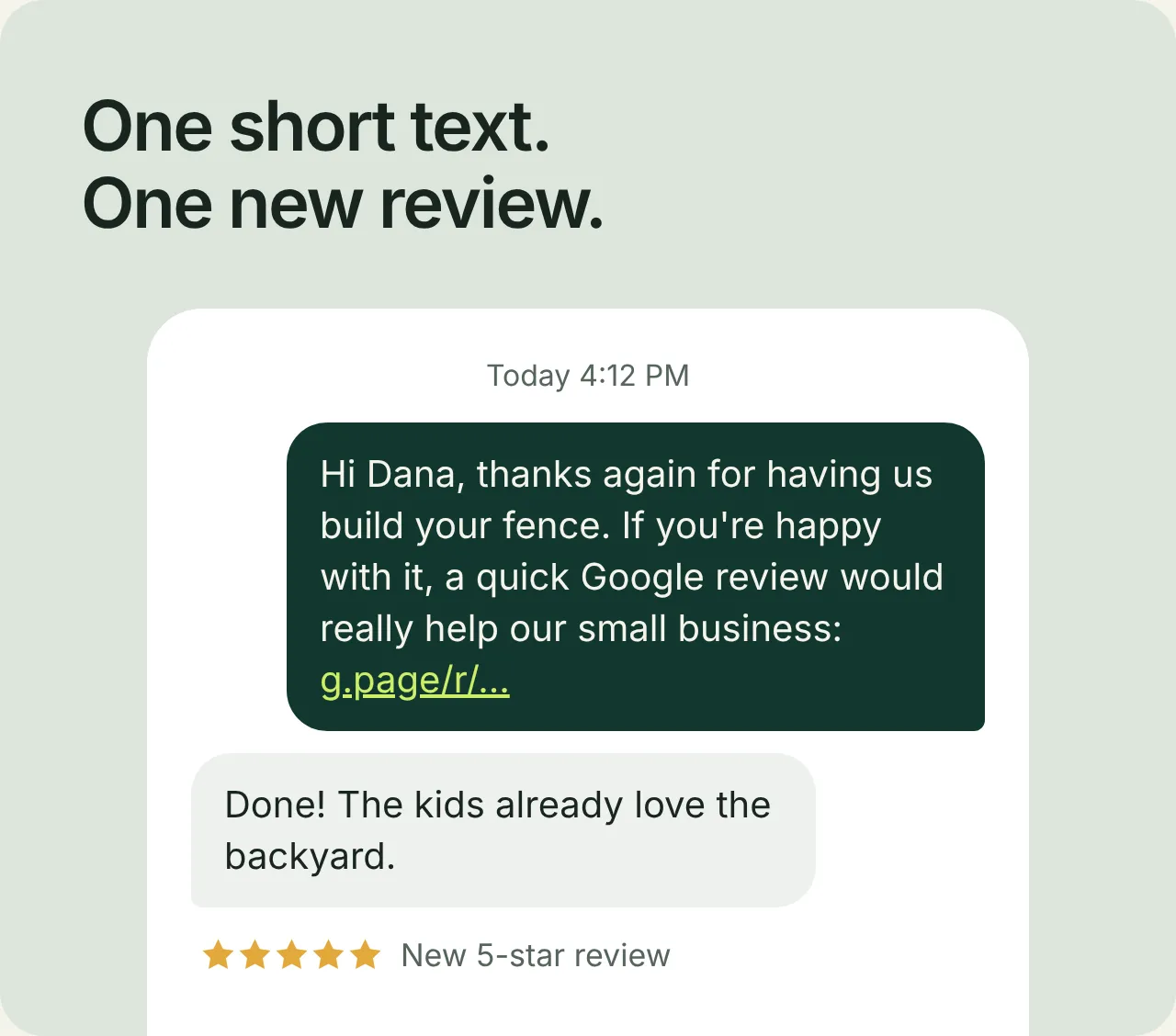
Asking for a review (text it the day the job is done)
Hi [Name], thanks again for having us work on your [fence/deck/bathroom]. If you’re happy with how it turned out, a quick Google review would really help our small business: [review link]. Thank you!
Replying to a quote request (within a day)
Hi [Name], thanks for reaching out about your [project]. We can take a look on [day] between [time] and [time]. Could you send a couple of photos in the meantime? That helps us give you a more accurate estimate.
Describing your services (for your Google profile or website)
We build and repair [fences, decks and gates] across [NW Calgary, Airdrie and Cochrane]. No job too small, from a single broken panel to a full backyard. Fully insured and WCB covered. Free estimates, usually within [2] days.
Project photos that win jobs, using just your phone
- Take a before and an after from the same spot. It’s the most convincing photo you can post.
- Shoot in daylight, ideally morning or late afternoon. Turn off the flash.
- Clean up first. Move tools, bins and offcuts out of the frame.
- Hold the phone level and step back so the whole job fits.
- Add one close-up that shows the quality of the finish.
- Write a short caption: what you did and where. “New cedar fence, 60 ft, Tuscany” says more than “Great job!”
Common mistakes we see
- A Google profile with no photos, or only a logo
- Phone numbers that go to voicemail with no callback
- Old hours or a business that looks closed
- A website that only says “quality service” without showing any work
- No mention of the areas you serve, so people in the next neighbourhood skip you
- Waiting days to reply to a quote request
Want a second pair of eyes?
Our free website review looks at your site the way a homeowner would. You’ll get a short, plain-language summary by email with the three changes that would help most, whether or not you ever work with us.
Project photos in the comparison graphic: Freepik.